Use Veo 3.1 to transform images into videos for personal branding
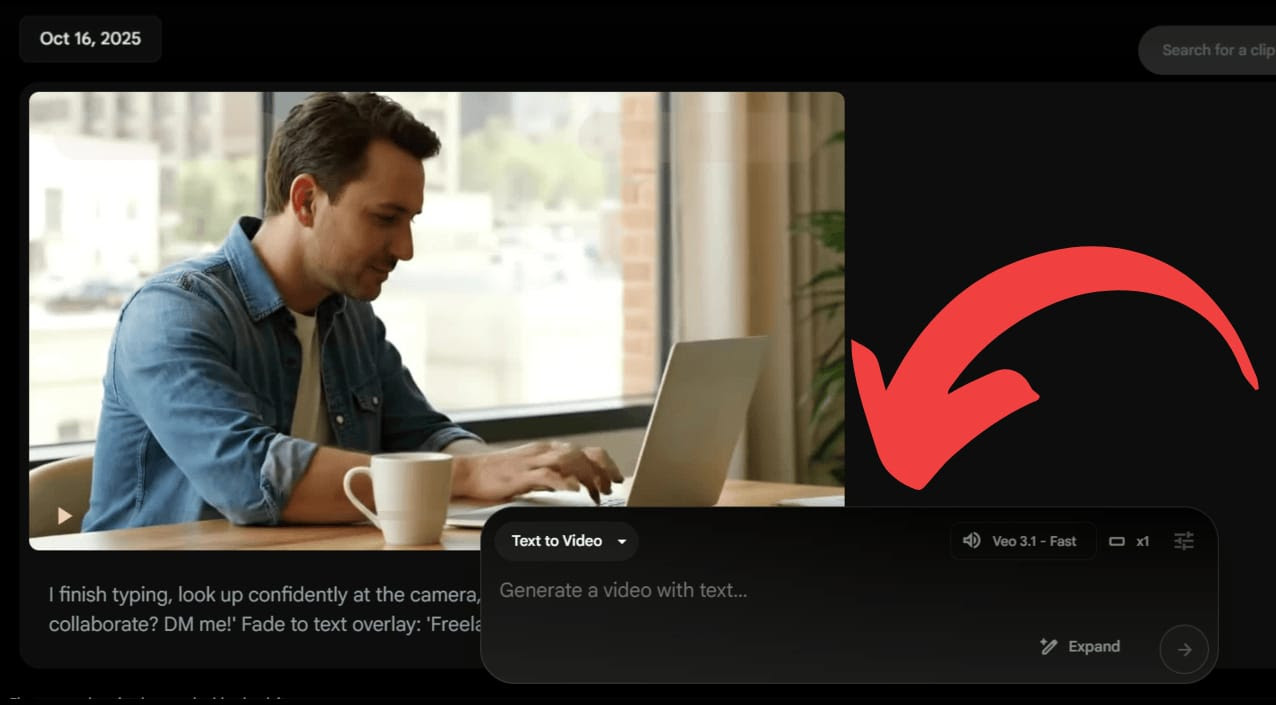
In this lesson, you will discover how to use Google's new Veo 3.1 model in Flow to produce sophisticated personal branding movies that feature AI-generated images without ever being on camera.
In detail:
Use Google Gemini's "photo of this person [upload reference], casual denim shirt, looking slightly right" and "modern office, city view, minimalist desk" suggestions to create your headshot and workspace.
Create a new project in Google Flow, change the "Text to Video" option to "Ingredients to Video," and then upload the two created photos.
Create your opening scene by using the submitted image of me sitting at a desk, drinking coffee, grinning at the camera, and typing on a laptop. Add some gentle acoustic music and warm morning light.
Click "Add to Scene" and then "+" to add the following: "After I finish typing, I turn to face the camera and say, 'Are you ready to work together? DM me! fade to a title-accompanied text overlay.
To export the entire branding video, check the timeline to make sure the transitions between the clips are seamless, then click the download icon.
To create training materials or product demo films without recording, use the editing tool to pick out sections of your video and add whatever items you like.