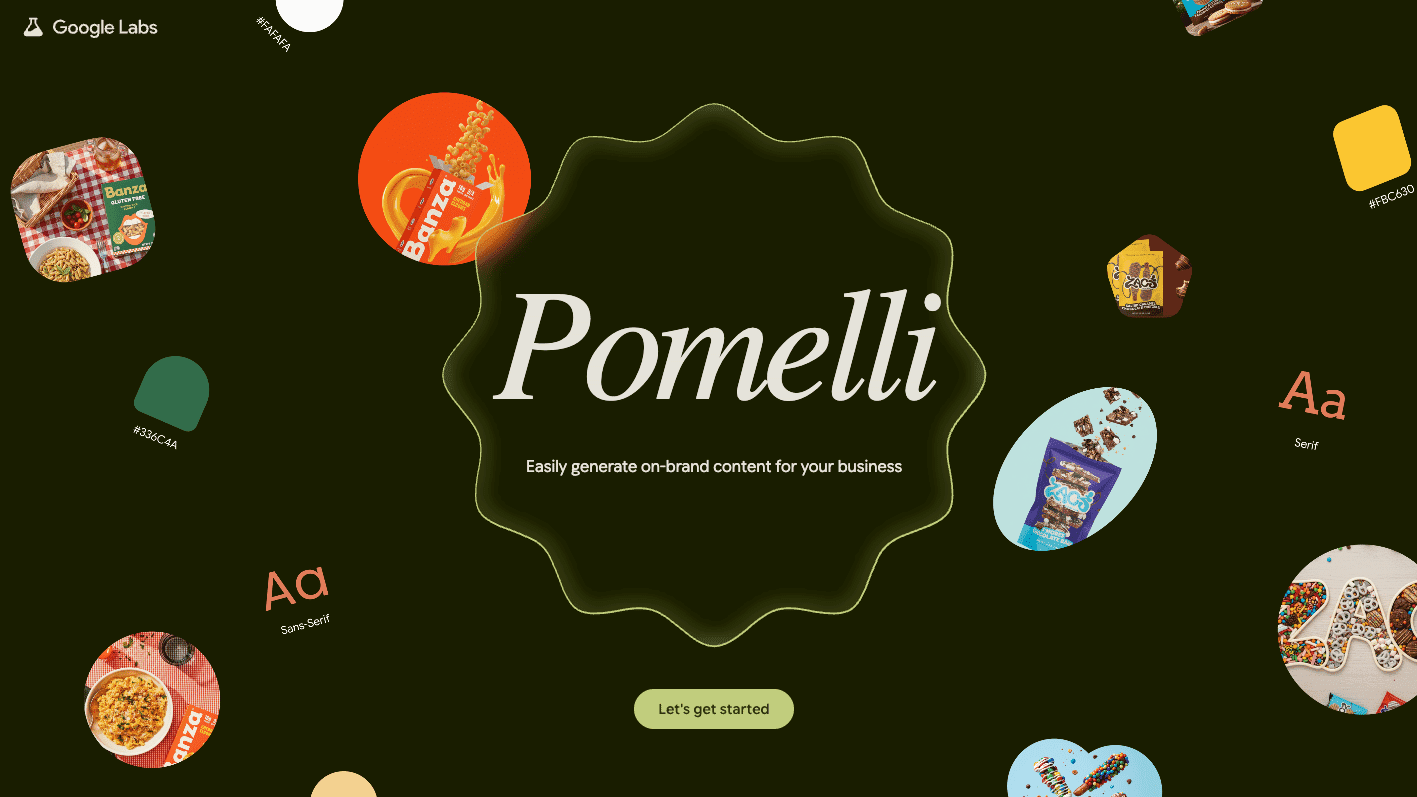
Step-by-step:
Navigate to Pomelli, select "Let's Get Started," and input the URL of your website. Pomelli will scan and extract product cues, colors, fonts, taglines, and tones.
All of the fields in your "Business DNA" summary are editable, so you can change the colors, values, and language to reflect your brand vision.
"Create a scary but kind Halloween campaign" is the campaign generator's prompt. Examine three variations, such as "Give them something good" or "Treat yourself, no tricks."
Modify headlines, text, fonts, and colors in the creative editor; scale for various locations; select "Fix layout" to have items automatically refresh; and include a call to action.
All of the fields in your "Business DNA" summary are editable, so you can change the colors, values, and language to reflect your brand vision.
"Create a scary but kind Halloween campaign" is the campaign generator's prompt. Examine three variations, such as "Give them something good" or "Treat yourself, no tricks."
Modify headlines, text, fonts, and colors in the creative editor; scale for various locations; select "Fix layout" to have items automatically refresh; and include a call to action.
Make careful to compare the conversion rate of your prior creatives with those produced by Pomelli.
Your one-stop shop for automation insights and news on artificial intelligence is EngineAi.
Did you like this article? Check out more of our knowledgeable resources:
📰 In-depth analysis and up-to-date AI news .
🤝 Visit to learn about our goal and knowledgeable staff.
📬 Use this link to share your project or schedule a free consultation.
Watch this space for weekly updates on digital transformation, process automation, and machine learning. Let us assist you in bringing the future into your company right now.
Did you like this article? Check out more of our knowledgeable resources:
📰 In-depth analysis and up-to-date AI news .
🤝 Visit to learn about our goal and knowledgeable staff.
📬 Use this link to share your project or schedule a free consultation.
Watch this space for weekly updates on digital transformation, process automation, and machine learning. Let us assist you in bringing the future into your company right now.