Step-by-step:
To upload an inspiration image that embodies your preferred style or aesthetic, navigate to Gemini → Tools → Create Images and make sure Pro mode is turned on.
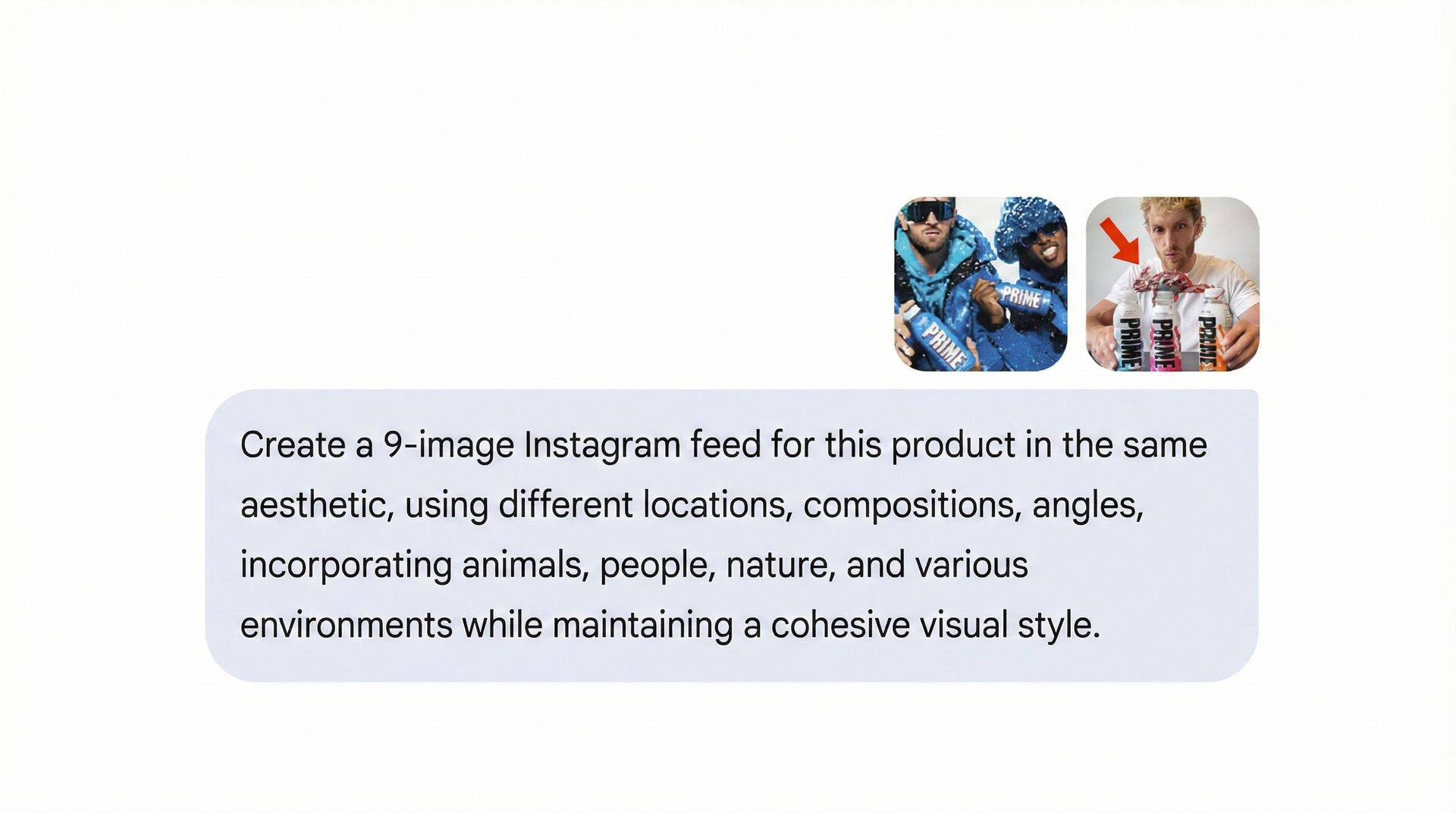
"Create a 9-image Instagram feed for this product with varied angles, people, and environments" is the prompt that appears when you upload and explain your product image.
To create your nine-image grid, click Submit. Examine the data and request that Nano Banana renew or isolate particular shots as necessary.
For a quick, reliable feed, download your favorite images and upload them straight to Instagram, TikTok, or the storefront of your company.
"Create a 9-image Instagram feed for this product with varied angles, people, and environments" is the prompt that appears when you upload and explain your product image.
To create your nine-image grid, click Submit. Examine the data and request that Nano Banana renew or isolate particular shots as necessary.
For a quick, reliable feed, download your favorite images and upload them straight to Instagram, TikTok, or the storefront of your company.
The AI will more closely resemble your intended aesthetic if your samples are more precise and visually aligned.
Your one-stop shop for automation insights and news on artificial intelligence is EngineAi.
Did you like this article? Check out more of our knowledgeable resources:
📰 In-depth analysis and up-to-date AI news .
🤝 Visit to learn about our goal and knowledgeable staff.
📬 Use this link to share your project or schedule a free consultation.
Watch this space for weekly updates on digital transformation, process automation, and machine learning. Let us assist you in bringing the future into your company right now.
Did you like this article? Check out more of our knowledgeable resources:
📰 In-depth analysis and up-to-date AI news .
🤝 Visit to learn about our goal and knowledgeable staff.
📬 Use this link to share your project or schedule a free consultation.
Watch this space for weekly updates on digital transformation, process automation, and machine learning. Let us assist you in bringing the future into your company right now.