Step-by-step:
The following formula can be used to create a comprehensive landing page prompt using your favorite AI chat tool: company name, target audience, offer, conversion goal, site parts, visual style, and CTA elements.
Take a screenshot of your favorite landing page design from Google, Behance, or Dribbble, then insert it into your chat program. Request that it modify your prompt to reflect the screenshot's style.
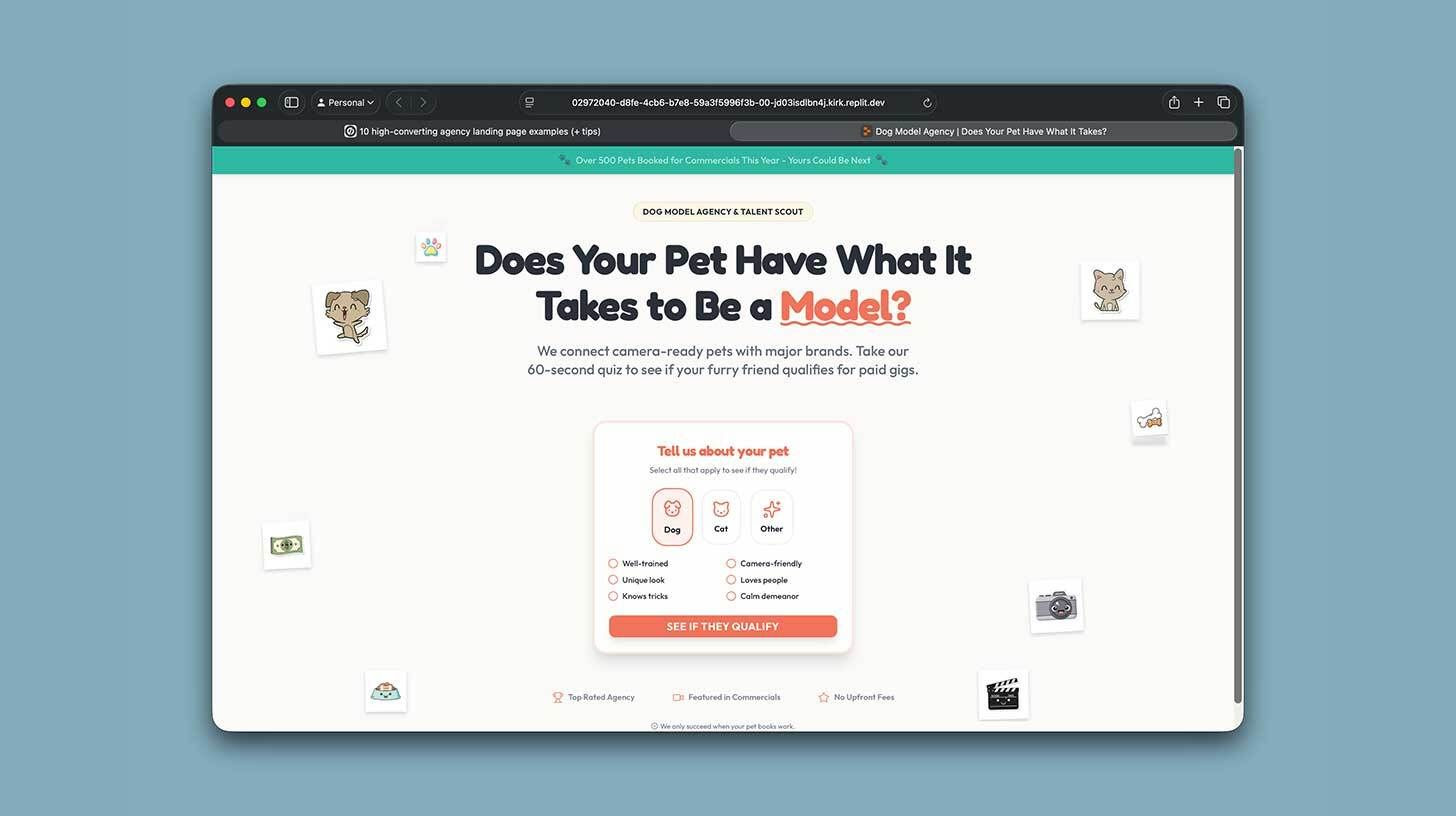
Paste your prompt after logging into Replit and selecting the "Design" option. "Create a single-page landing page site based on the attached instructions" should then be typed. As needed, create assets.
Improve your page by deploying to a custom domain, upgrading the social proof sections, and integrating your CRM form.
Take a screenshot of your favorite landing page design from Google, Behance, or Dribbble, then insert it into your chat program. Request that it modify your prompt to reflect the screenshot's style.
Paste your prompt after logging into Replit and selecting the "Design" option. "Create a single-page landing page site based on the attached instructions" should then be typed. As needed, create assets.
Improve your page by deploying to a custom domain, upgrading the social proof sections, and integrating your CRM form.
For targeted efforts like paid advertisements or outbound marketing, deploy your Replit website to the subdomain of an existing domain.
Your one-stop shop for automation insights and news on artificial intelligence is EngineAi.
Did you like this article? Check out more of our knowledgeable resources:
📰 In-depth analysis and up-to-date AI news .
🤝 Visit to learn about our goal and knowledgeable staff.
📬 Use this link to share your project or schedule a free consultation.
Watch this space for weekly updates on digital transformation, process automation, and machine learning. Let us assist you in bringing the future into your company right now.
Did you like this article? Check out more of our knowledgeable resources:
📰 In-depth analysis and up-to-date AI news .
🤝 Visit to learn about our goal and knowledgeable staff.
📬 Use this link to share your project or schedule a free consultation.
Watch this space for weekly updates on digital transformation, process automation, and machine learning. Let us assist you in bringing the future into your company right now.