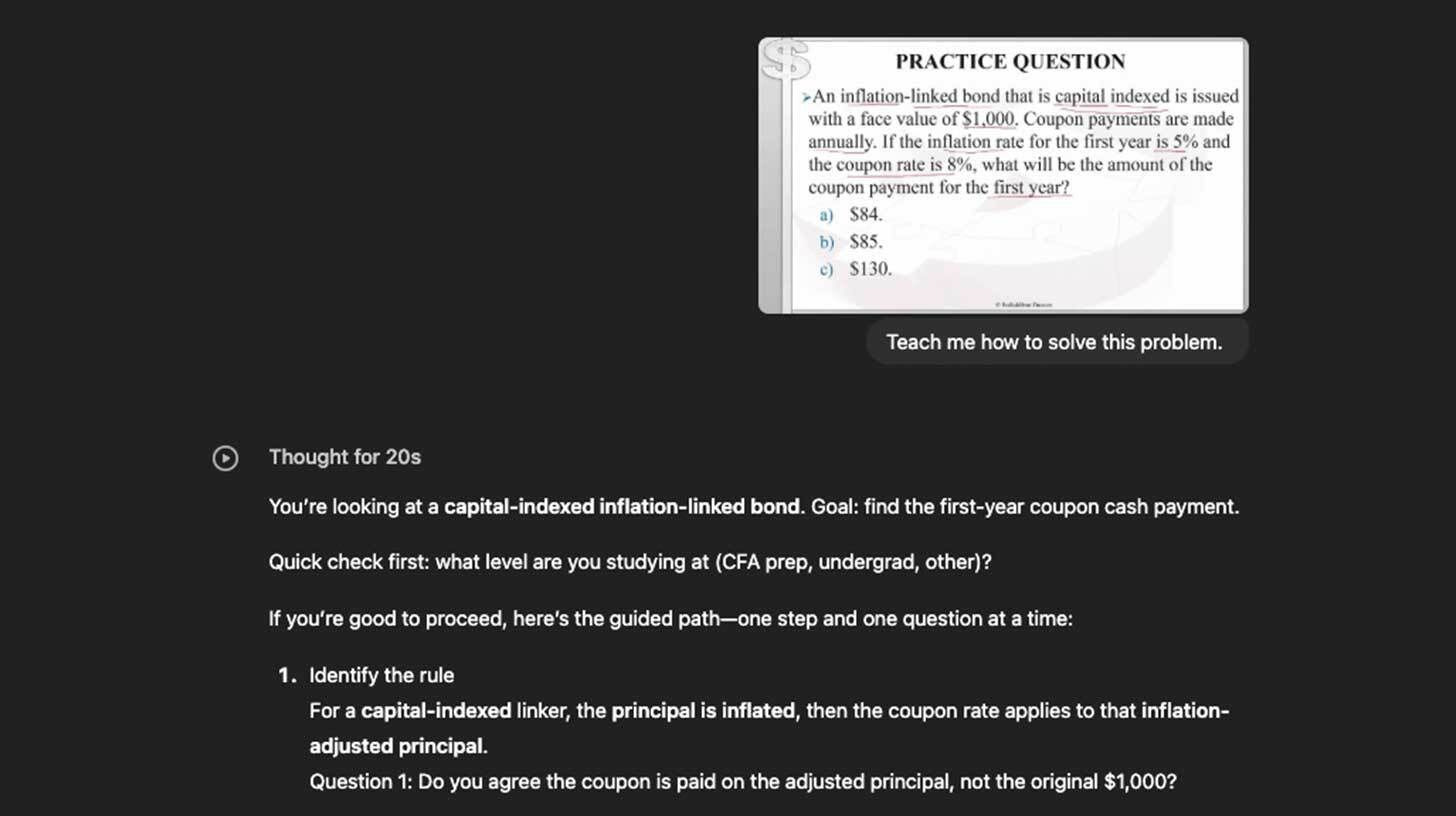
Step-by-step:
Click the "+" symbol on the chat composer in ChatGPT, choose "More," and then switch to "Study and learn" mode.
Explain your learning objective (e.g., "Teach me how to program in Python" or "Help me solve this finance problem").
Instead of giving you direct answers, respond to the AI's context inquiries and then follow its step-by-step instructions as it guides you toward solutions.
For thorough comprehension and problem-solving abilities, use this mode; for fast facts or content creation, use Regular mode.
You can also use NotebookLM to create study aids and short tests.
Your one-stop shop for automation insights and news on artificial intelligence is EngineAi.
Did you like this article? Check out more of our knowledgeable resources:
📰 In-depth analysis and up-to-date AI news .
🤝 Visit to learn about our goal and knowledgeable staff.
📬 Use this link to share your project or schedule a free consultation.
Watch this space for weekly updates on digital transformation, process automation, and machine learning. Let us assist you in bringing the future into your company right now.
Did you like this article? Check out more of our knowledgeable resources:
📰 In-depth analysis and up-to-date AI news .
🤝 Visit to learn about our goal and knowledgeable staff.
📬 Use this link to share your project or schedule a free consultation.
Watch this space for weekly updates on digital transformation, process automation, and machine learning. Let us assist you in bringing the future into your company right now.