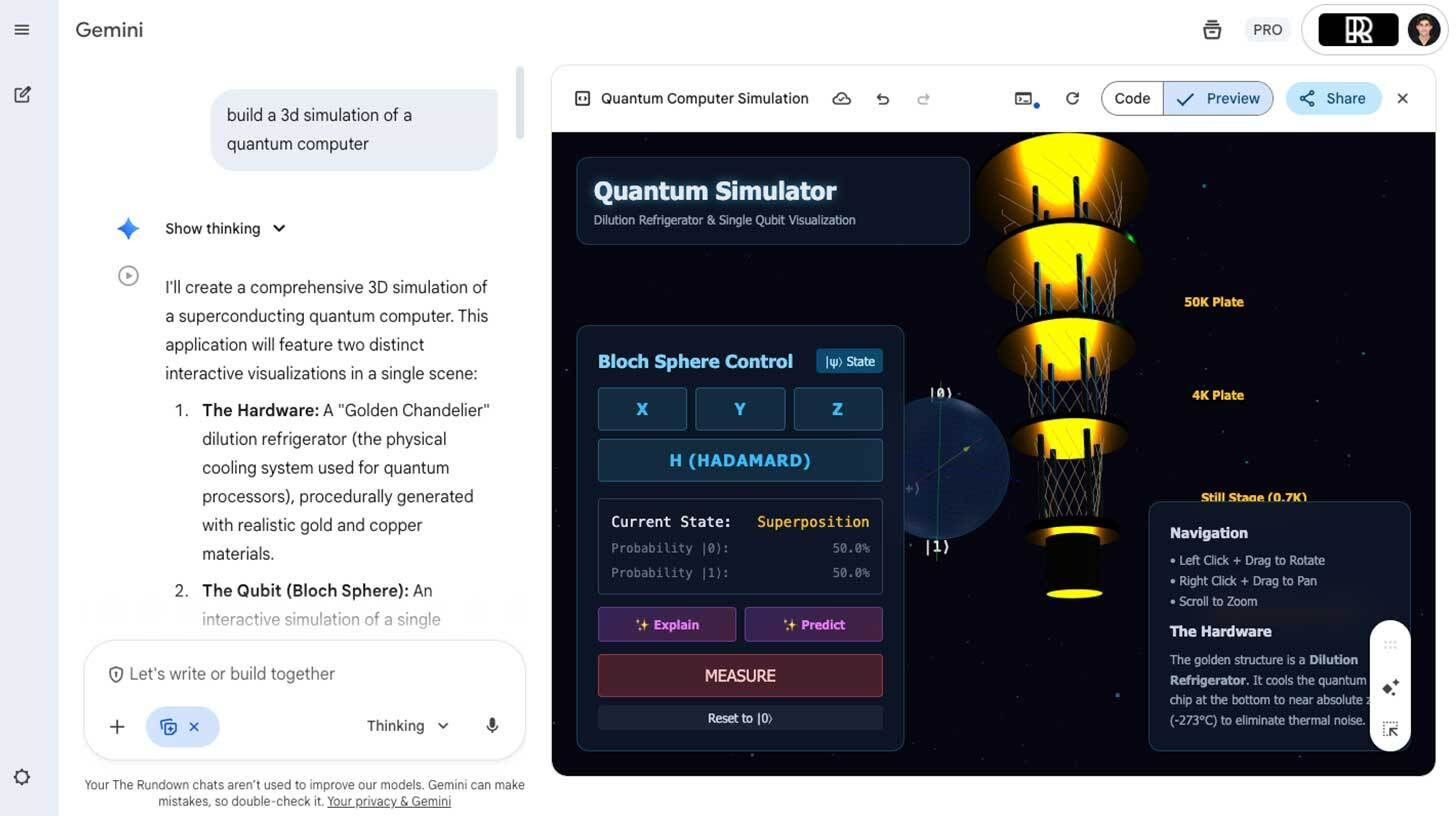
Step-by-step:
Choose "DeepThink" for advanced performance or "Gemini 3 Pro" for reasoning on the Gemini webpage (check availability in your area).
In the chat box, type your prompt (for instance, "Build a 3D simulation of a quantum computer").
Click "Explain" to engage the AI tutor for summarized learning after seeing the immersive simulation output.
You can then examine or share the code.
Try a variety of projects, such as games, content schedulers, or data dashboards; if the sim isn't both functional and aesthetically pleasing, try again.
Gemini 3 Pro can be used for rapid prototyping, internal tool development, and visual learning. In those places, it is quite potent.
Your one-stop shop for automation insights and news on artificial intelligence is EngineAi.
Did you like this article? Check out more of our knowledgeable resources:
📰 In-depth analysis and up-to-date AI news .
🤝 Visit to learn about our goal and knowledgeable staff.
📬 Use this link to share your project or schedule a free consultation.
Watch this space for weekly updates on digital transformation, process automation, and machine learning. Let us assist you in bringing the future into your company right now.
Did you like this article? Check out more of our knowledgeable resources:
📰 In-depth analysis and up-to-date AI news .
🤝 Visit to learn about our goal and knowledgeable staff.
📬 Use this link to share your project or schedule a free consultation.
Watch this space for weekly updates on digital transformation, process automation, and machine learning. Let us assist you in bringing the future into your company right now.