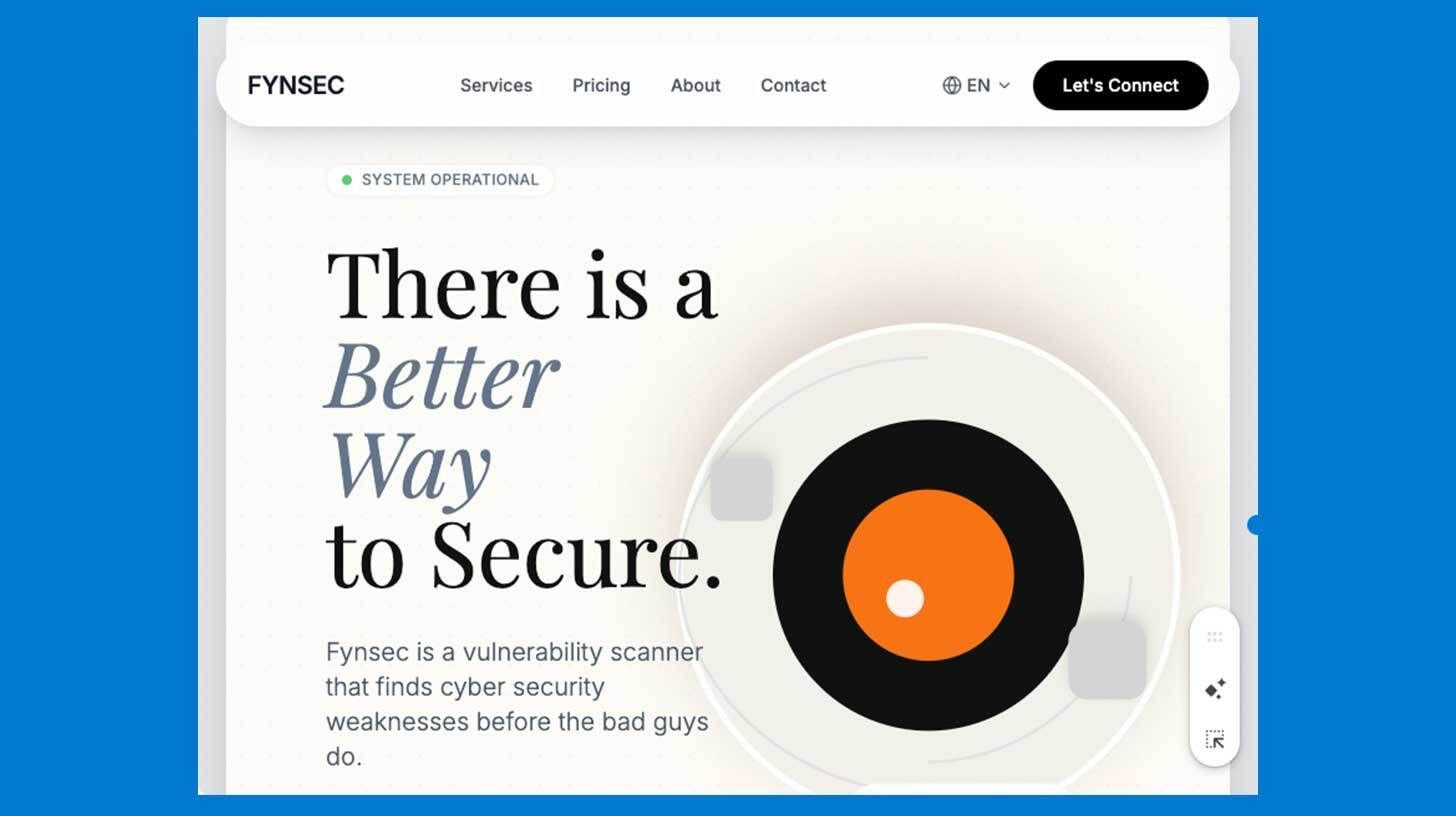
Step-by-step:
Find UI inspiration on Dribbble, Behance, or any live SaaS site, then download a screen recording of the scrolling page (not just a static screenshot)
Upload the movie to Gemini 3 Pro (thinking mode on) and prompt: "Study this video and write a detailed prompt describing the UI in depth—layout, colors, typography, animations—then turn it into instructions for a developer"
To create a tidy handover document, ask Gemini to convert the analysis into markdown format. Then, copy the entire prompt into a new Gemini chat.
Upload the movie to Gemini 3 Pro (thinking mode on) and prompt: "Study this video and write a detailed prompt describing the UI in depth—layout, colors, typography, animations—then turn it into instructions for a developer"
To create a tidy handover document, ask Gemini to convert the analysis into markdown format. Then, copy the entire prompt into a new Gemini chat.
"Create a high-fidelity interactive landing page based on this design spec and show me a live preview" should be added to the prompt after it has been modified to fit your product (change the company name and concept). You can then experiment with colors, sections, or animations before exporting to Cursor, Bolt, or Replit for deployment.
Gemini 3.0 is great at analyzing videos for animations and UI specs and turning them into functional landing pages and websites.
Your one-stop shop for automation insights and news on artificial intelligence is EngineAi.
Did you like this article? Check out more of our knowledgeable resources:
📰 In-depth analysis and up-to-date AI news .
🤝 Visit to learn about our goal and knowledgeable staff.
📬 Use this link to share your project or schedule a free consultation.
Watch this space for weekly updates on digital transformation, process automation, and machine learning. Let us assist you in bringing the future into your company right now.
Did you like this article? Check out more of our knowledgeable resources:
📰 In-depth analysis and up-to-date AI news .
🤝 Visit to learn about our goal and knowledgeable staff.
📬 Use this link to share your project or schedule a free consultation.
Watch this space for weekly updates on digital transformation, process automation, and machine learning. Let us assist you in bringing the future into your company right now.