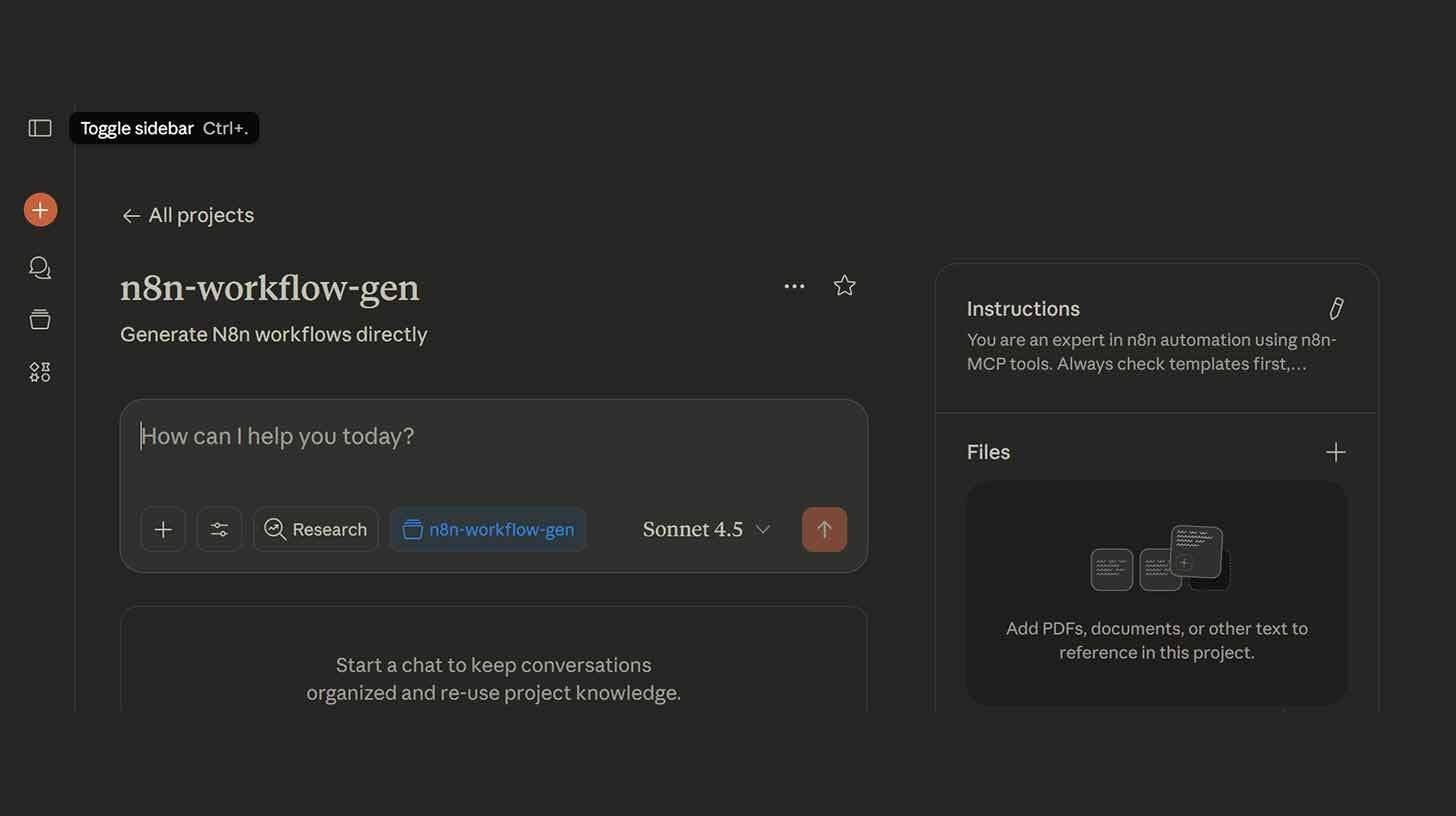
Step-by-step:
After installing Claude Desktop and Node.js, launch the MCP server by running npx n8n-mcp in your terminal.
Paste the configuration code into Claude Desktop by selecting Settings > Developer > Edit Config and entering your API key (Settings > n8n API > Create API Key) and n8n URL (from your workflow dashboard).
Click "Enable all tools" after restarting Claude Desktop and selecting the n8n MCP icon in the lower right corner.
Just tell Claude about your automation (e.g., "Build a n8n workflow that monitors my Gmail for emails with 'invoice' in the subject, extracts the invoice amount using AI, and logs it to a Google Sheet").
Claude is most effective when given explicit instructions.
Try "when I get a Slack message with 'urgent,' create a task in Notion" in place of "automate my emails,"
Your one-stop shop for automation insights and news on artificial intelligence is EngineAi.
Did you like this article? Check out more of our knowledgeable resources:
📰 In-depth analysis and up-to-date AI news .
🤝 Visit to learn about our goal and knowledgeable staff.
📬 Use this link to share your project or schedule a free consultation.
Watch this space for weekly updates on digital transformation, process automation, and machine learning. Let us assist you in bringing the future into your company right now.
Did you like this article? Check out more of our knowledgeable resources:
📰 In-depth analysis and up-to-date AI news .
🤝 Visit to learn about our goal and knowledgeable staff.
📬 Use this link to share your project or schedule a free consultation.
Watch this space for weekly updates on digital transformation, process automation, and machine learning. Let us assist you in bringing the future into your company right now.